For reviewers and creators
Facts, materials and a direct line
Everything a review needs, in one place. If something is missing, write and it will be added.
This page is for journalists, reviewers and creators. Training with PaceIQ? The tips are for you.
Redeeming your review code
If you received a PaceIQ code with a letter, this is where it goes.
- Install PaceIQ from the App Store and open it.
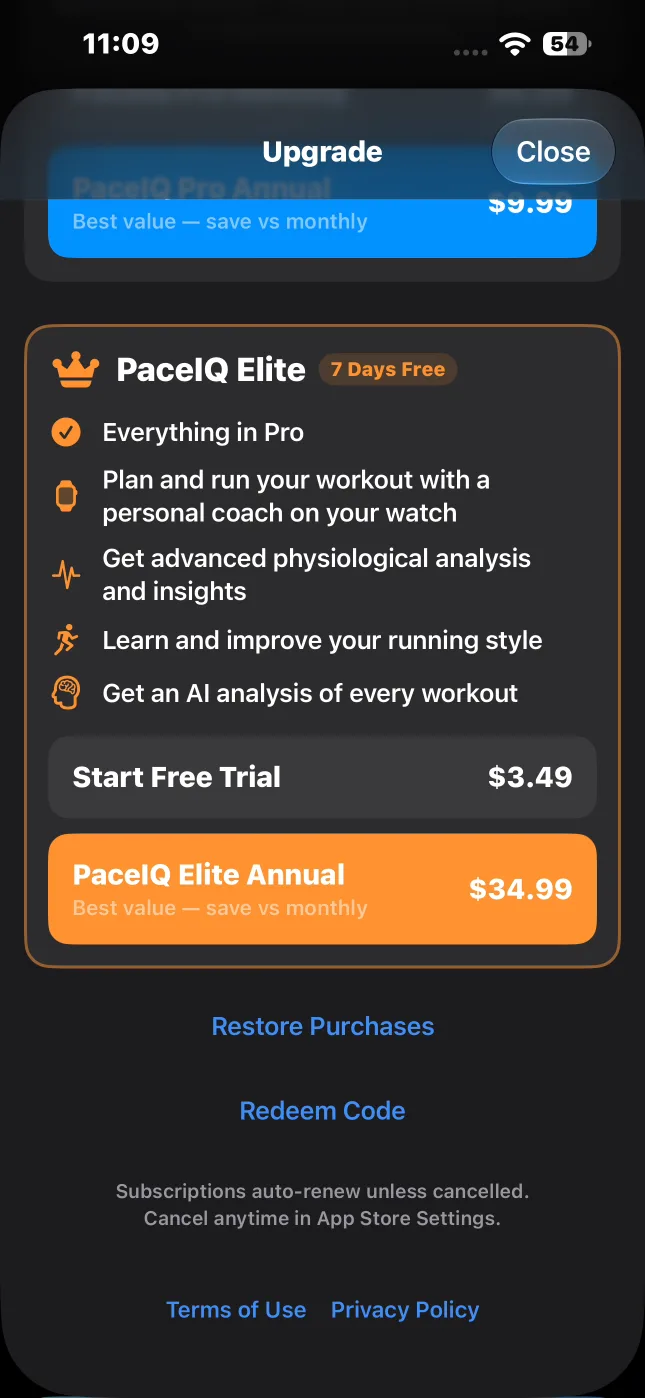
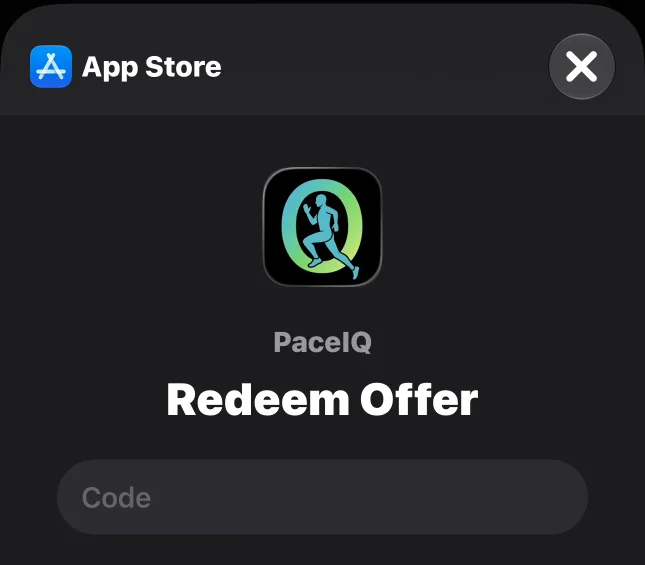
- Tap the gear button on the Last Workout screen to open Settings, then tap Redeem Code under About. You can also tap Redeem Code at the bottom of the Upgrade screen.
- Enter the code in Apple's Redeem Offer sheet and tap Continue.
- Once the code is accepted, Elite unlocks, and Settings shows your tier under Current Tier.
Key facts
- App Store
-
Bundle: com.audiospot.PaceIQ
- Contact
-
Sagi Gal, solo developer. Replies personally.
- Prices (US store)
-
Elite $34.99 / year · Pro $9.99 / yearMonthly plans: Elite $3.49 · Pro $0.99. Free tier: your last workout.
- Requirements
-
iOS 17.6 or later · watchOS 10 or laterA guided workout on the iPhone alone needs iOS 26 or later.
- Languages
-
17 languagesInterface and spoken coaching, with a language switcher inside the app.
- AI briefings
-
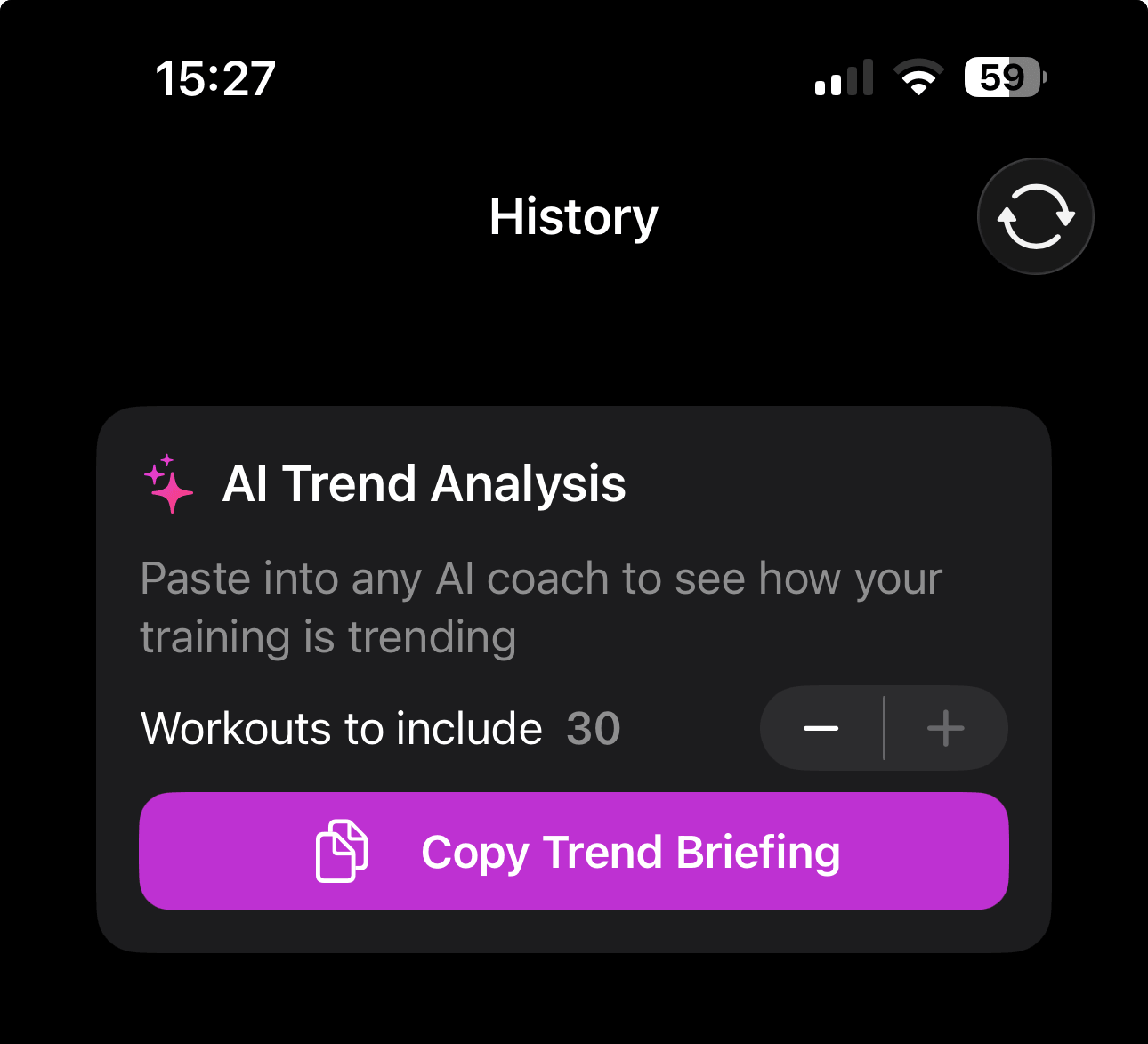
Paste into your own AI assistant, as often as you likeOne workout, or up to 30 as a trend (Elite). PaceIQ charges no AI fee; the only limit is your assistant's own plan.
- Data
-
No PaceIQ account, no PaceIQ serverWorkouts live in Apple Health and on your devices; sharing is your choice, each time.
Press kit
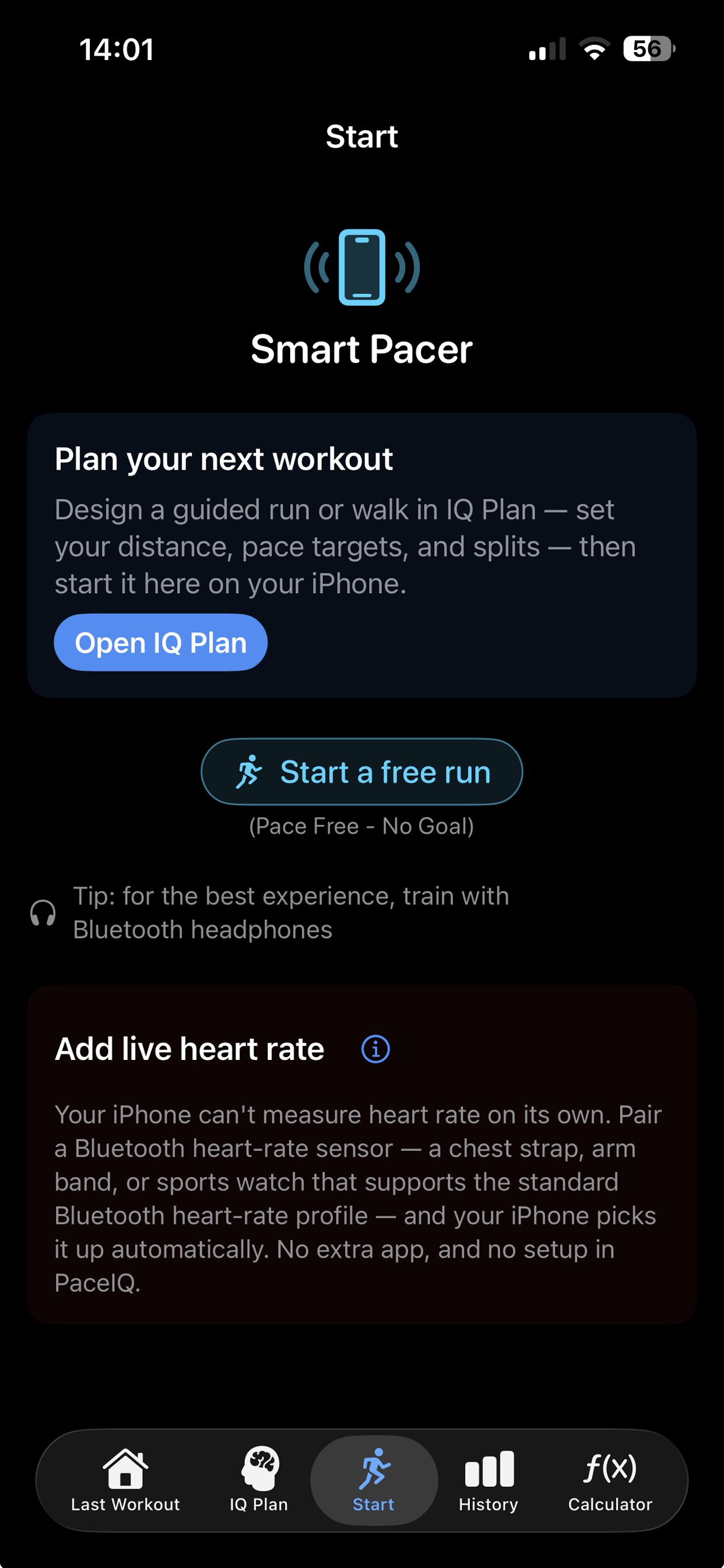
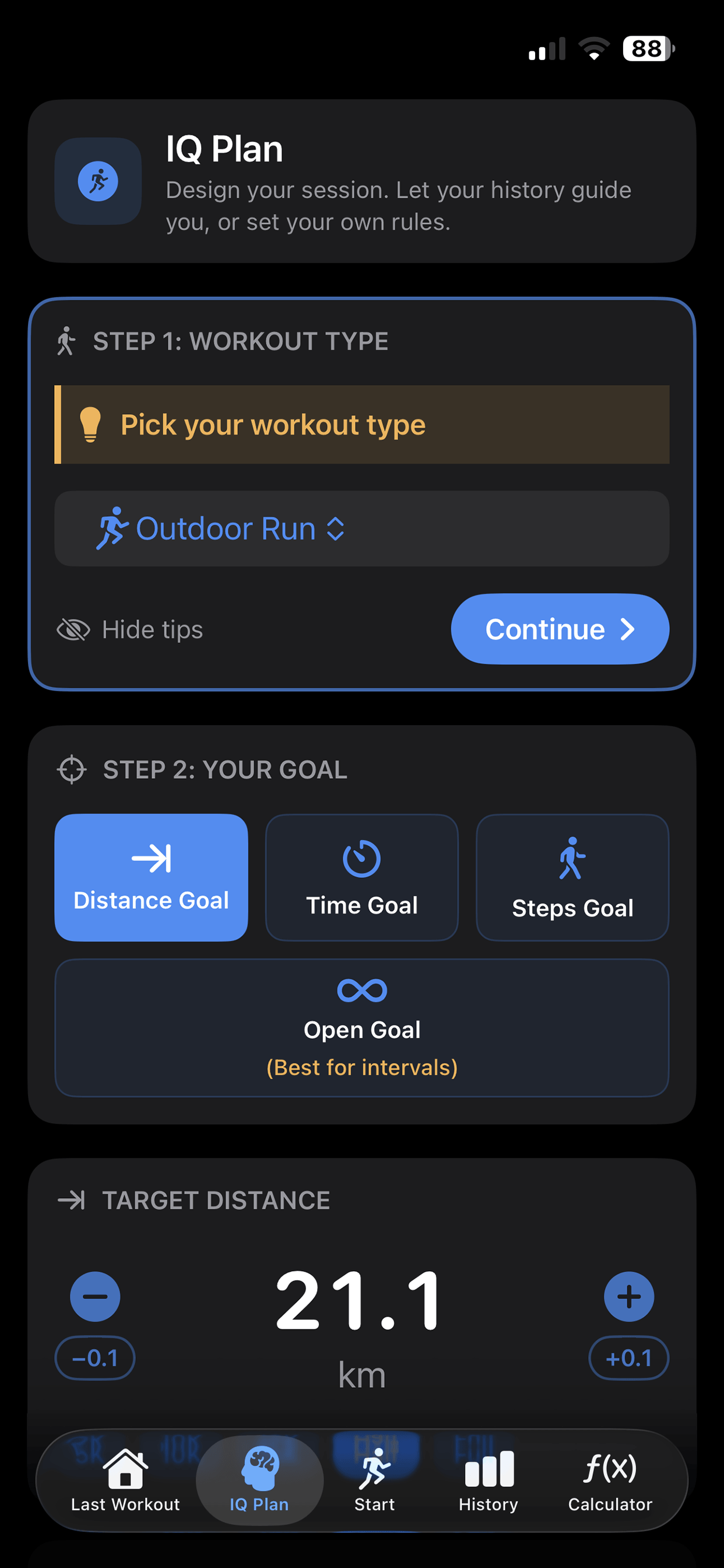
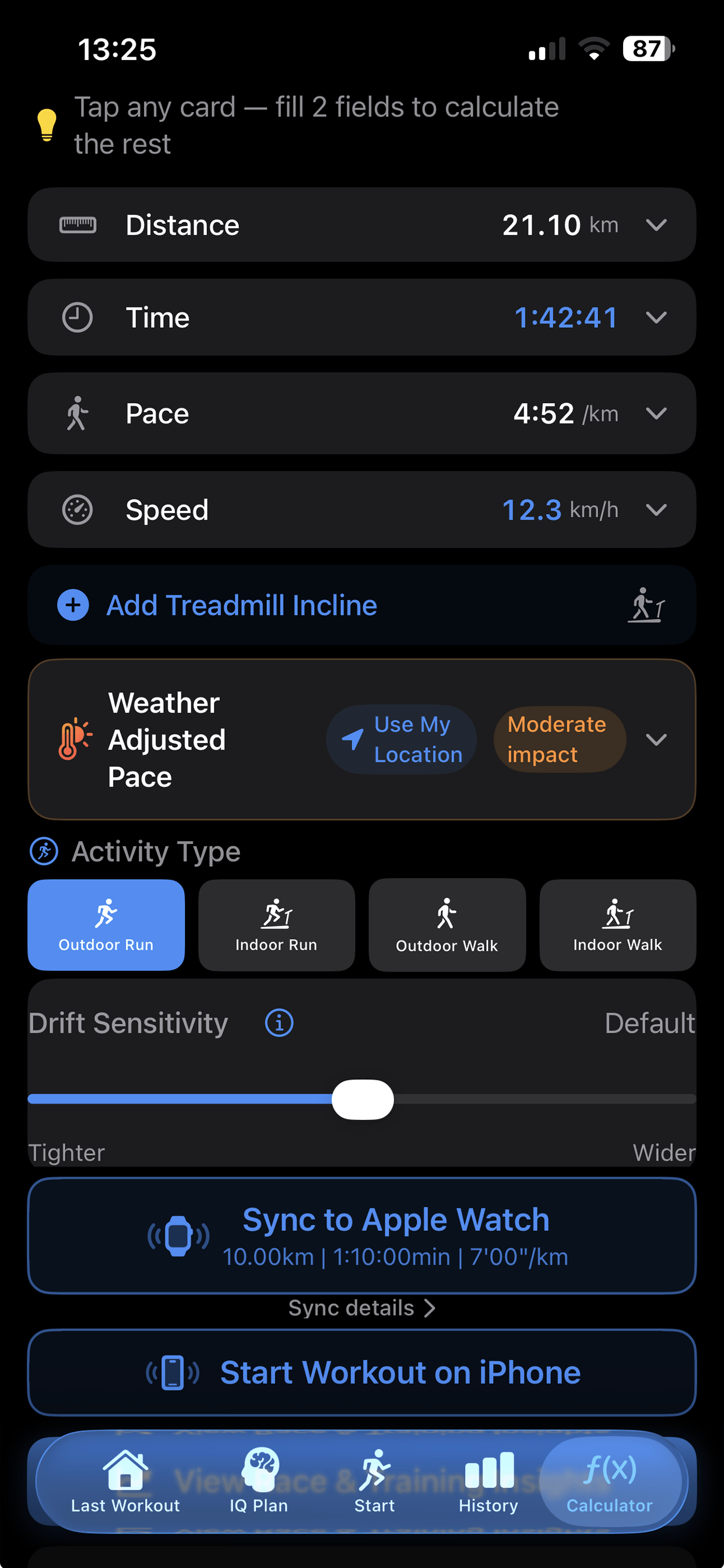
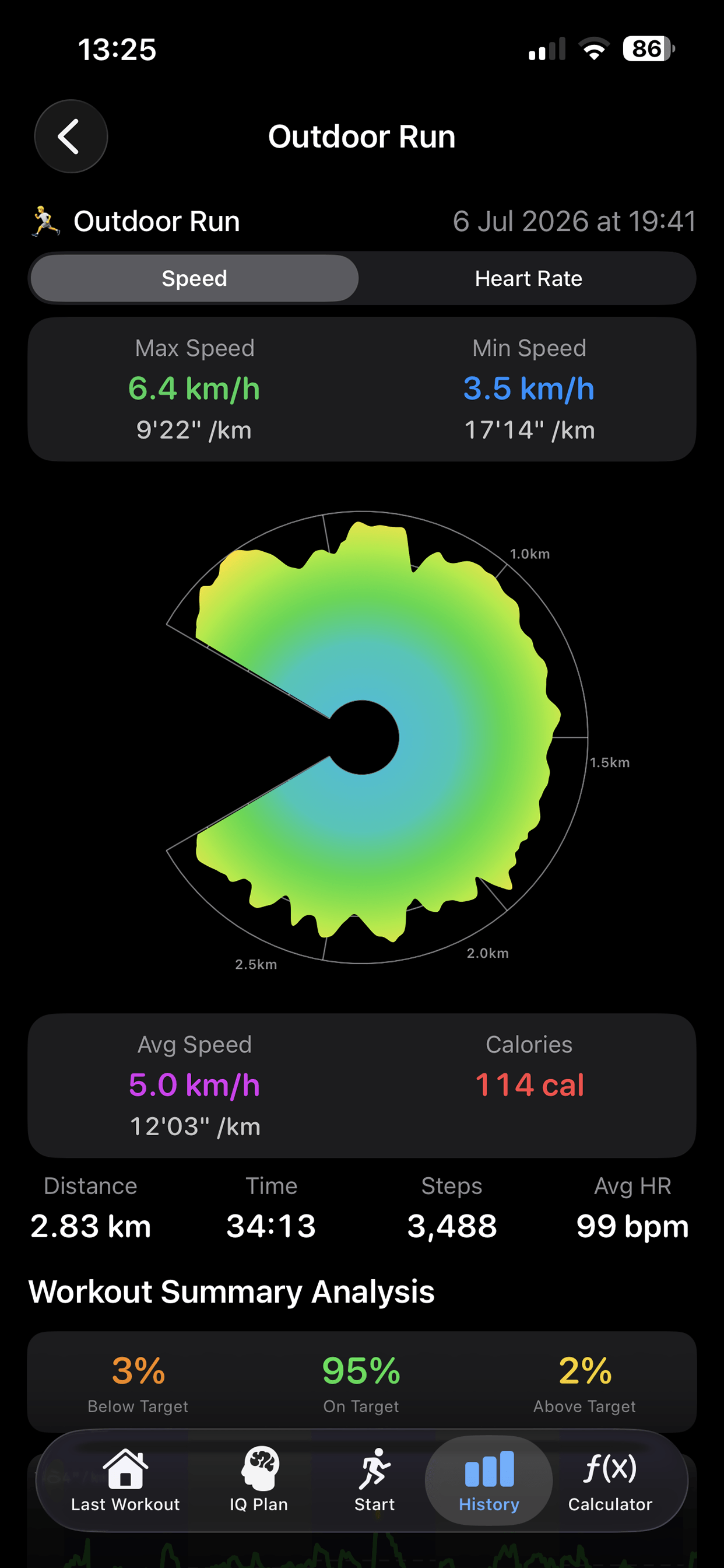
Icon and screenshots
Download the press kit (zip, 1.2 MB)Icon with transparency (1024 px) and ten screenshots, or pick single files below.
- App icon, transparent background1024 × 1024
- Start tabiPhone
- IQ Plan tabiPhone
- Calculator tabiPhone
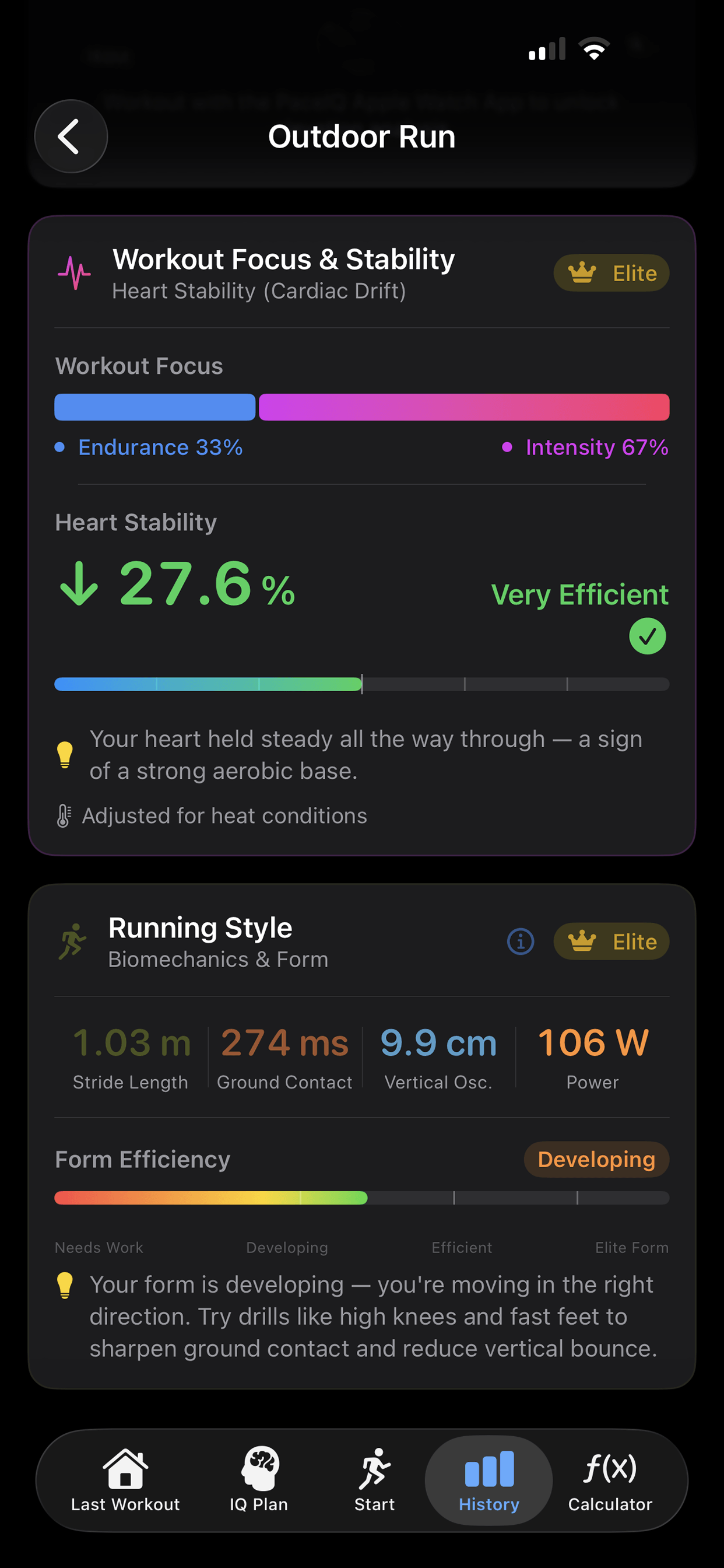
- Post-workout view 1iPhone
- Post-workout view 2iPhone
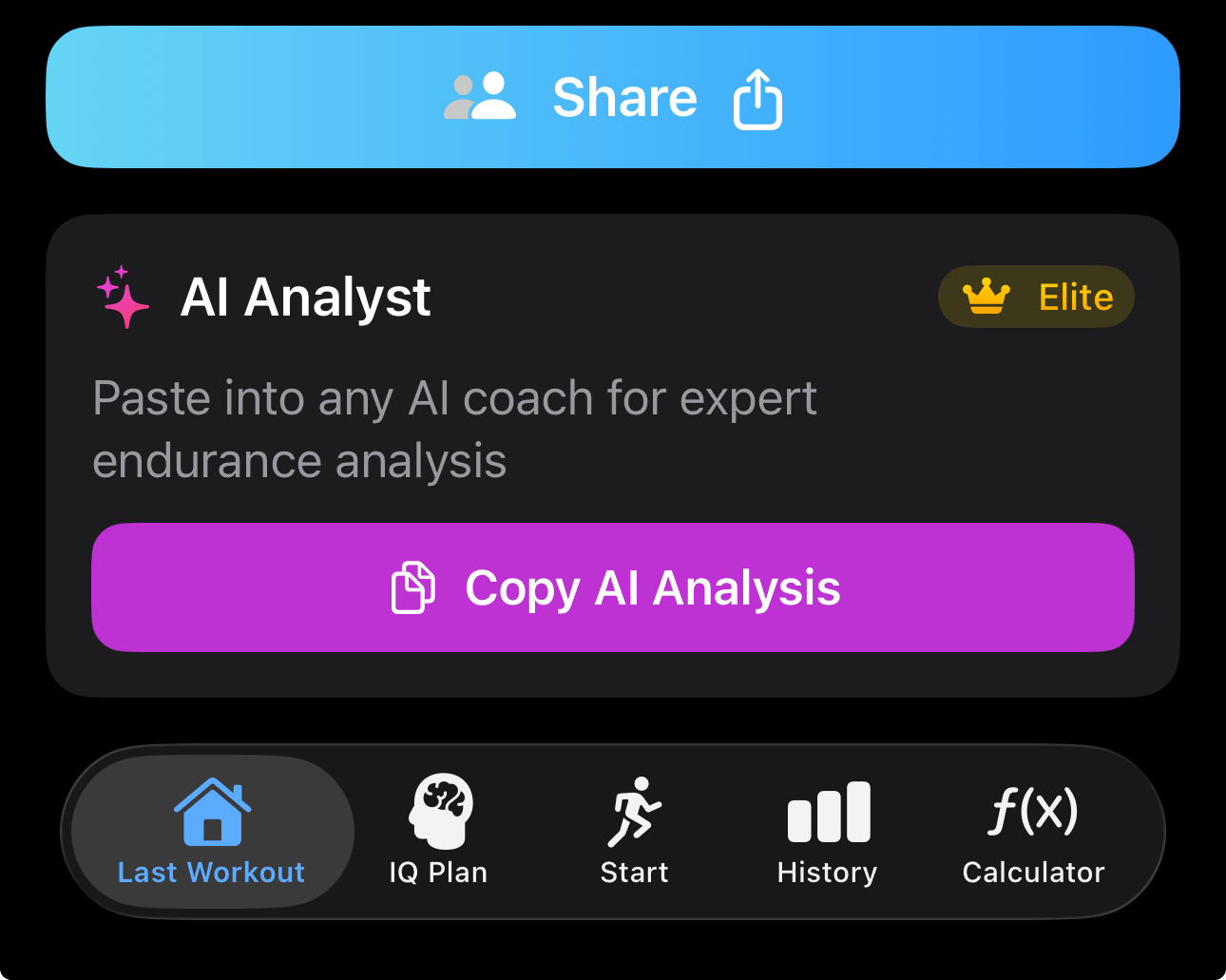
- AI Analyst cardiPhone
- AI Trend Analysis cardiPhone
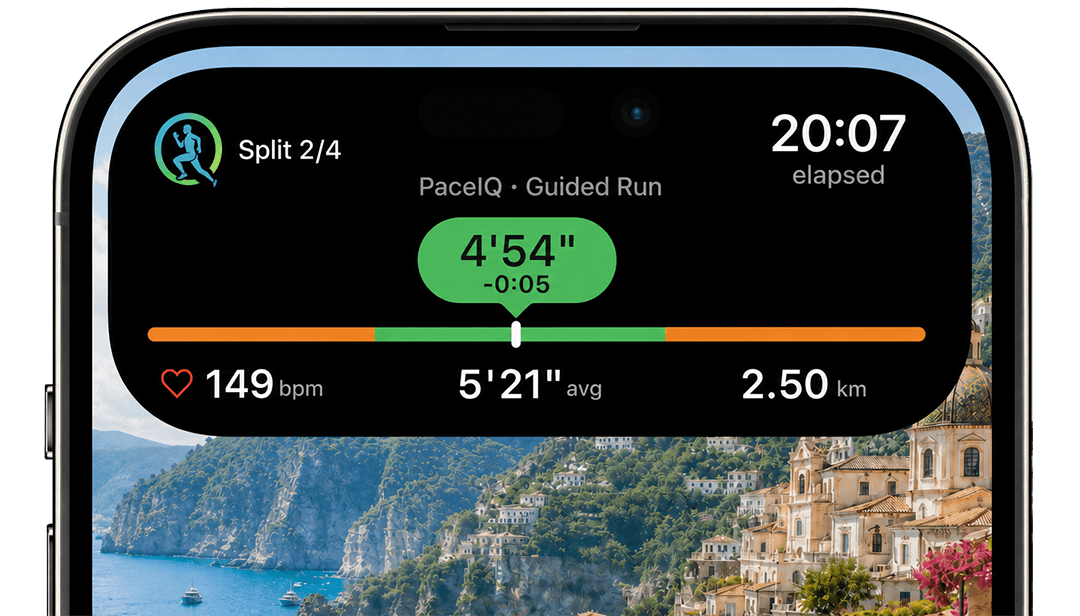
- Live Activity, Dynamic IslandiPhone
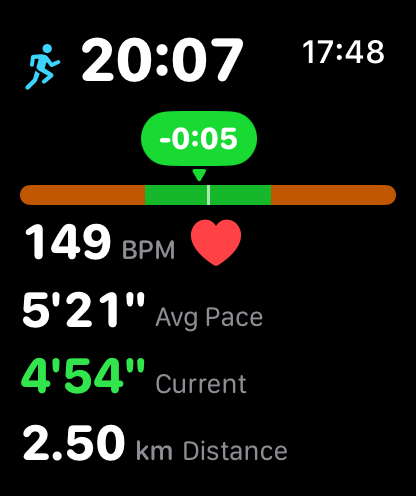
- During a guided runApple Watch
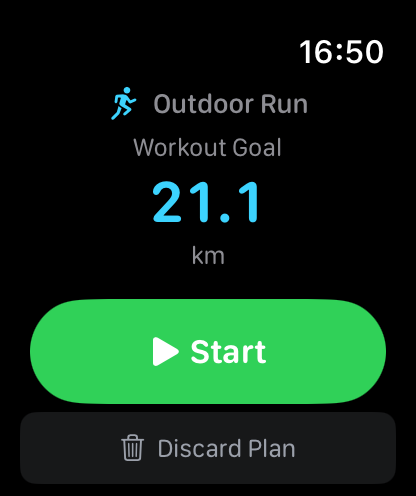
- Plan ready to startApple Watch
- IQ Plan screen recordingMP4, 27 s, silent, 1 MB